


Police are warning Gedling borough residents to be alert to fraudsters who trick victims into giving remote access to their phones or computers.
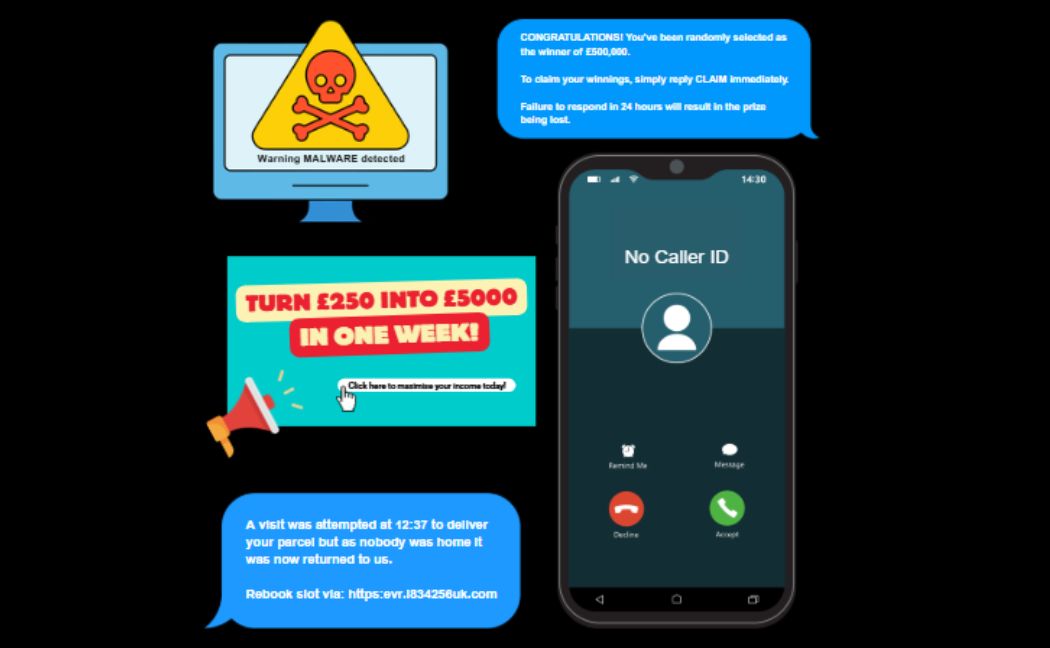
Remote access scams tend to start with a browser pop-up appearing on a potential victim’s phone or computer that warns them that their device has been infected with a virus.
It could also be a phone call from an individual claiming to be from their bank demanding they urgently need access to their device to cancel a fraudulent transaction.
The victim is then persuaded to download and connect to a remote access tool that the fraudster says is required for them to deal with the problem.
Once the imposter has gained access to the person’s mobile or computer, they can then access private banking details and steal money.
Kirsty Jackson, a cyber protect and prevent officer at Nottinghamshire Police, said: “While remote access tools can be safe when used legitimately, it’s important to understand that they can be misused by criminals to commit fraud.
“Remember – scammers can’t steal what you don’t share. Never allow remote access as a result of an unsolicited call, browser pop-up, or text messages.
“The consequences of doing so can be devastating and have seen victims lose thousands of pounds.
“That’s why it is important to never grant remote access to anyone who contacts you out of the blue.”
The police team at Report Fraud have now put together a list of tips to help you cut down on the risk of being scammed using remote access
- only install software or grant remote access to your computer if you’re asked by someone you know and trust, such as a friend or family member, and never as a result of an unsolicited call, browser pop up, or text message
- remember, a bank or service provider will never contact you out of the blue requesting remote access to your device
- If you believe your laptop, PC, tablet or phone has been infected with a virus or some other type of malware, follow the NCSC’s guidance on recovering an infected device
- Protect your money by contacting your bank immediately on a different device from the one the scammer contacted you on
- Report it to Report Fraud on 0300 123 2040 or via the online reporting hub